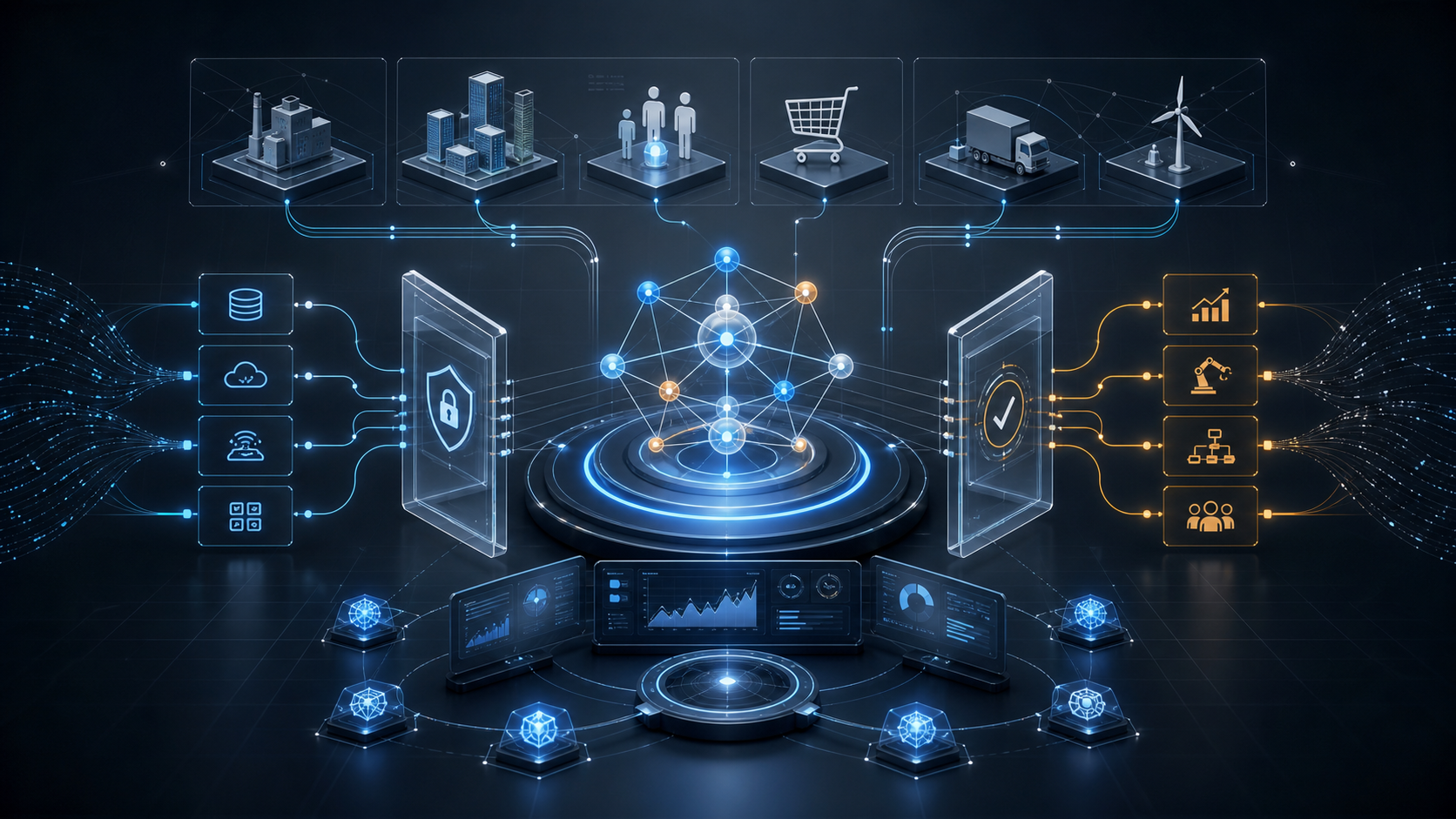
MCP, short for Model Context Protocol, is an open protocol for connecting AI applications to external systems. It is not about making the model itself smarter. It standardizes how agents access tools, data sources, prompt templates, and business systems.
系列:Agent Engineering Notes 1 / 3
- 1 What Is MCP: A Stable Way for Agents to Connect Tools and Context 当前
- 2 What Is A2A: How Different Agents Discover, Communicate, and Collaborate
- 3 Agent Skills: Packaging Senior Engineering Discipline Into AI Coding Agents
MCP stands for Model Context Protocol.
Its role is clear: it provides an open protocol for connecting AI applications to external systems. Those systems may be local files, databases, search engines, business APIs, design tools, knowledge bases, or predefined prompts and workflows.
If you only look at the model itself, an LLM takes text as input and generates text as output. Once you move into agentic systems, the model needs to read data, call tools, take actions, observe feedback, and then decide what to do next. MCP addresses this connection layer.
The official documentation compares MCP to a USB-C port for AI applications. The analogy is useful: MCP is not one specific tool. It is a common way for tools and AI applications to connect.
Core Takeaway
The value of MCP is not that it makes a model “smarter.” Its value is that it makes an agent’s tool layer more standardized, reusable, and governable.
Before MCP, every AI application often needed a custom integration for every external system:
Claude to database: build one integration
Claude to GitHub: build another
IDE to database: build another
Internal agent to GitHub: build another
This quickly becomes the classic N x M integration problem.
MCP’s approach is to wrap external capabilities as MCP Servers, then let MCP Clients connect to them. The same tool capability can then be reused by different AI applications, without redesigning the interface every time you switch models or hosts.
What MCP Solves
1. A Unified Way to Connect Tools
For agents, the hard part is not merely writing a function. The hard part is exposing different tools in a consistent way: describing capabilities, parameters, results, and errors.
MCP standardizes this layer.
Common MCP Servers can expose:
- File system reads and writes.
- Database queries.
- GitHub / GitLab operations.
- Browser automation.
- Search services.
- Internal enterprise APIs.
- Designs, documents, and knowledge bases.
To the AI application above them, these are no longer scattered scripts. They become protocolized capabilities.
2. Context, Not Just Function Calls
The word “Context” in Model Context Protocol matters.
Many people simplify MCP as a “tool calling protocol.” That is not wrong, but it is incomplete. MCP can expose not only tools, but also resources and prompts.
In other words, MCP can provide:
- Current project files.
- Database schemas.
- Document content.
- API descriptions.
- Business rules.
- Standard prompt templates.
- Executable tools.
This means an agent is not merely “able to call functions.” It can receive the context required to complete a task.
3. Lower Cost for Building Agent Applications
The official documentation notes that MCP can reduce the time and complexity required to build or integrate AI applications.
The reason is straightforward: once a team has internal MCP Servers, new agent applications can reuse them.
For example:
Internal knowledge base MCP Server
Database MCP Server
GitLab MCP Server
Ticketing system MCP Server
Monitoring system MCP Server
After that, whether the host is Claude, ChatGPT, an IDE agent, or an internal assistant, the tool layer can be reused.
Basic Architecture
The MCP specification has three core roles:
| Role | Description |
|---|---|
| Host | The application that hosts the LLM, such as Claude Desktop, an IDE, or an internal agent platform |
| Client | The connector inside the Host that communicates with an MCP Server |
| Server | The external service that exposes tools, resources, and capabilities |
A simplified view:
AI application / Agent Host
  ↓
MCP Client
  ↓
MCP Server
  ↓
External systems: databases, files, APIs, business services
MCP uses JSON-RPC 2.0 for message communication. This makes it feel like a clear protocol rather than a vendor-specific SDK.
MCP vs. Function Calling
Function calling is usually a model API capability. Developers pass tool schemas to the model, and the model decides whether to call them.
MCP sits closer to the system integration layer.
| Dimension | Function Calling | MCP |
|---|---|---|
| Focus | How one model calls functions | How AI applications connect to external systems |
| Scope | API call layer | Tools, resources, prompts, and context integration |
| Reuse | Usually tied to one application | Servers can be reused by multiple Hosts |
| Governance target | Function schemas and call results | Servers, permissions, resources, tools, and context |
| Best fit | Simple tool calling | Agent platforms, IDEs, enterprise tool layers |
Function calling answers: “How does the model choose a tool?”
MCP answers: “How should tools and context be connected to agent applications in a standardized way?”
They are not replacements for each other. They operate at different layers.
Engineering Scenarios
1. Coding Assistants
An IDE agent can use MCP to access:
- Project files.
- Git status.
- Test commands.
- Issues.
- CI results.
- Code search.
This is already one of the most natural use cases for MCP.
2. Enterprise Knowledge Assistants
An internal assistant can use MCP to access:
- Confluence / Notion.
- Feishu documents.
- Databases.
- CRM.
- Ticketing systems.
- Internal APIs.
Users no longer need to copy context manually. The agent can read the required information according to permissions.
3. Data Analysis Agents
For data analysis, databases, metrics platforms, and reporting systems can be exposed as MCP Servers.
The agent can read a schema, generate a query, execute analysis, and return an explanation.
The real value is not “letting the model write SQL.” The value is having a standard path for data access, permissions, query execution, and result return.
4. Operations and Platform Engineering
An operations agent can use MCP to connect to:
- Logging systems.
- Monitoring systems.
- Kubernetes.
- Cloud resources.
- CI/CD.
- Alerting platforms.
These scenarios require serious attention to permissions and audit logs, because tool calls may directly affect production systems.
The Boundaries of MCP
MCP is not a complete agent framework.
It does not:
- Plan for the model.
- Provide long-term memory for the agent.
- Decide business workflows.
- Automatically make tools safe.
- Solve every permission problem.
- Replace application-level auditing and risk control.
MCP only exposes external capabilities in a standard way. How an agent should use those capabilities still belongs to the upper-level system design.
This is one of the easiest misunderstandings in real engineering work: connecting MCP does not make an agent reliable by itself.
Reliability still comes from:
- Permission isolation.
- Tool allowlists.
- Parameter validation.
- Operation auditing.
- Human confirmation.
- Failure rollback.
- Prompt injection defenses.
Security Risks
The risks of MCP come from its power.
Once an agent can access real files, databases, repositories, and production tools, the risk is no longer just “the answer is wrong.” The system may create real side effects.
Pay close attention to:
- Overly broad tool permissions.
- Untrusted MCP Server sources.
- Prompt injection that tricks the agent into calling dangerous tools.
- Accidental exposure of local files or secrets.
- Tool outputs polluting the model context.
- Missing audit logs.
- Missing confirmations for high-risk actions.
MCP Servers should be designed around the principle of least privilege. Production tools should not be directly exposed to general-purpose agents.
A safer approach is:
Start with read-only tools
Allow low-risk actions to run automatically
Require confirmation for medium-risk actions
For high-risk actions, provide recommendations only
MCP and A2A
MCP and A2A are often discussed together, but they solve different problems.
The short version:
MCP: how an agent connects to tools and context
A2A: how agents discover, communicate, and collaborate with each other
MCP is about the tool layer.
A2A is about interoperability between agents.