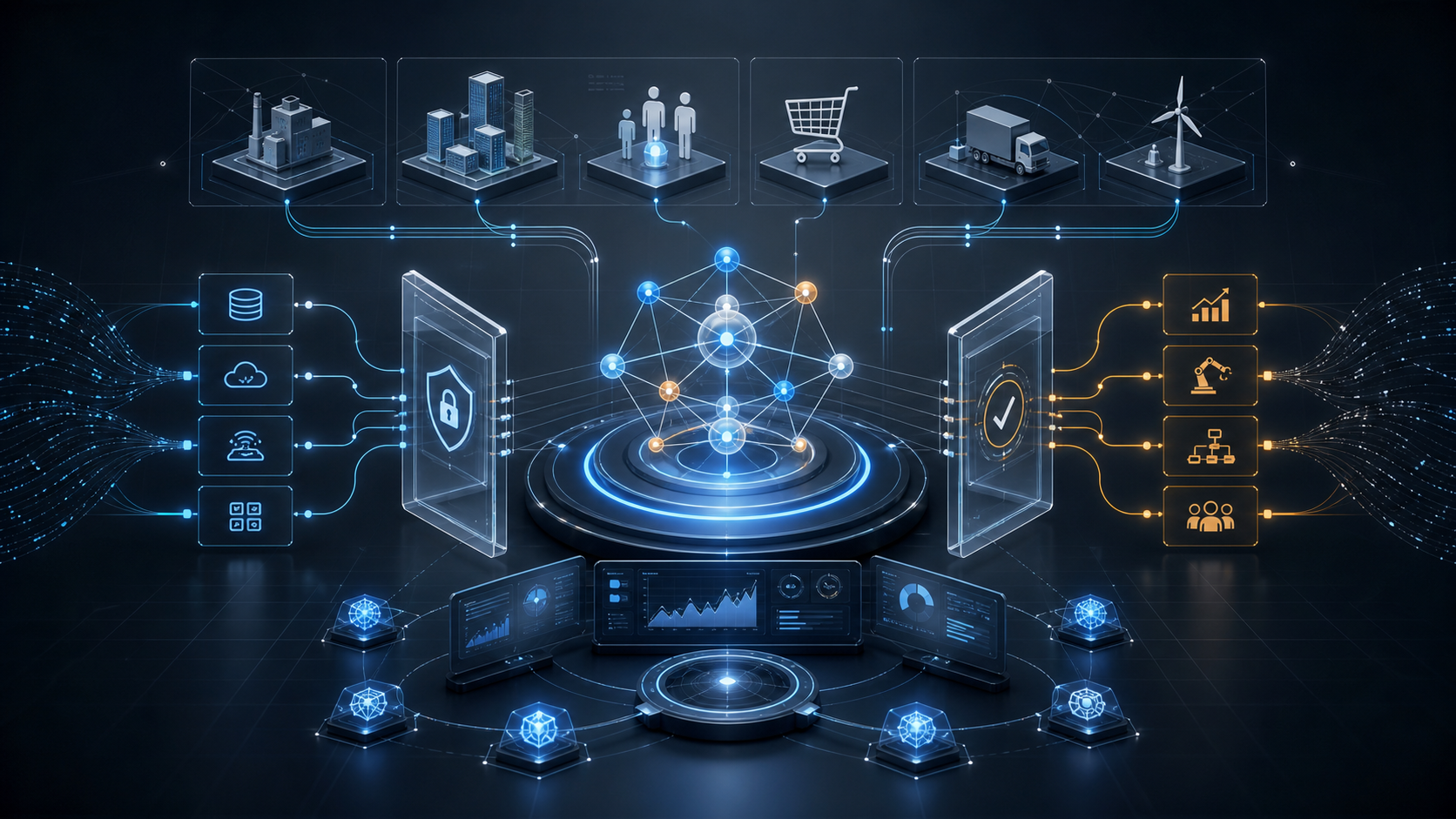
An AI agent adds hands, feet, and a brain around a large language model, allowing it to break down tasks, call tools, execute actions, and deliver results. This guide explains the architecture, ReAct loop, tech stack, development steps, and a minimal Claude SDK agent that can call a tool.
AI agent development means building a system that can perceive, reason, plan, call tools, and execute tasks to achieve a goal. In one sentence: traditional AI, such as a normal chatbot, answers one question at a time; an AI agent is more like a digital worker. Give it a high-level goal, such as “analyze this company’s financial report and turn it into a 10-slide deck,” and it can break the work into steps, gather information, run code, call APIs, and deliver the result.
1. The Essence of an Agent: Giving an LLM Hands, Feet, and a Brain
An LLM by itself only does one thing: text in -> text out. Agent development wraps structure around the LLM so it can interact with the real world and take multi-step autonomous actions. This structure usually has four parts:
flowchart TD
    U["User instruction
(high-level goal)"] --> B["Brain · LLM
Intent understanding / planning / reasoning"]
    B --> P["Planning
Break down subtasks + self-reflect and correct"]
    B --> M["Memory
Short-term context + long-term knowledge"]
    B --> T["Tools
Search / database / code / email / API"]
    T --> E["Execute and observe result"]
    E --> B
    B --> O["Deliver result"]

    style B fill:#dbe9ff,stroke:#2563eb,stroke-width:2px
    style T fill:#ffe9d5,stroke:#b71d18
- Brain (LLM / reasoning engine): understands intent, analyzes problems, and makes plans.
- Memory: short-term memory, such as the current conversation context, plus long-term memory, such as historical experience and knowledge bases, often backed by vector databases.
- Tools: what lets the agent “act,” such as web search, database queries, code execution, email, and APIs.
- Planning: breaks complex goals into executable subtasks and can reflect, notice mistakes, and correct course.
2. The Core Mechanism: The ReAct Loop
The key to making an agent feel autonomous is a Reason -> Act -> Observe loop, commonly called ReAct. The model does not think through everything in one shot. It reasons, acts, observes the real result, and then decides the next step:
flowchart LR
    A["Reason
What should I do next?"] --> B["Act
Call a tool"]
    B --> C["Observe
Receive tool result"]
    C --> A
    A --> D["Decide task is done
-> final answer"]

    style A fill:#dbe9ff,stroke:#2563eb
    style D fill:#d6f5e3,stroke:#1f9e57
The loop continues until the model decides the goal has been achieved and no more tools are needed. The code in section 6 implements this loop in a few dozen lines.
3. Development Stack
| Layer | Common Choices |
|---|---|
| Language | Python is the dominant choice, followed by TypeScript |
| Model | Claude, GPT models, open-source Llama models, and others |
| Agent frameworks | LangChain, LlamaIndex, CrewAI for multi-agent collaboration, AutoGen, etc. You can also skip frameworks and build directly on model SDKs, as shown in section 6 |
| External capabilities | APIs, vector databases such as Milvus / Pinecone / pgvector, browser automation tools |
| Operations / evaluation | Tools such as LangSmith for tracing agent reasoning paths, debugging, and monitoring |
Frameworks can save a lot of glue code, but beginners should strongly consider building a minimal agent by hand first. Once you have implemented the ReAct loop yourself, you will understand what frameworks are doing for you.
4. A Five-Step Development Method
flowchart TD
    S1["1. Define goal and role
Is it support? coding? data analysis?"] --> S2["2. Choose a model
Balance capability / cost / latency"]
    S2 --> S3["3. Give it tools
Write callable functions / APIs"]
    S3 --> S4["4. Design workflow
Prompting + planning/reflection loop"]
    S4 --> S5["5. Deploy and monitor
Trace reasoning; ensure stability and safety"]

    style S3 fill:#ffe9d5,stroke:#b71d18
- Define the goal and role: decide what business problem it solves and where its boundaries are.
- Choose a model: use stronger models for complex reasoning or long-horizon tasks; use faster, cheaper models for frequent simple tasks.
- Give it tools: implement the functions and APIs it can call, and describe them clearly. The quality of tool descriptions directly affects whether the model knows when and whether to call a tool.
- Design the workflow: write the system prompt and define the planning and reflection loop.
- Deploy and monitor: use evaluation and tracing platforms to watch the reasoning path, stability, and safety.
5. Tool Descriptions Are the Hidden Decider
Many people think the key to agents is model strength. In practice, tool description quality is just as important. The model relies on a tool’s description to decide when to call it. A good description explains when to call the tool, not just what the tool is.
- ❌ Weak:
get_weather: get weather. - ✅ Strong:
get_weather: query the current weather for a city. Call this when the user asks about weather or when weather is needed to make a recommendation.
Put the trigger conditions into the description. This significantly reduces both “should have called but did not” and “called when it should not have” failures.
6. Hands-On: Building a Minimal Agent with the Claude SDK
Below is a minimal agent written directly on top of the official Claude SDK, with no agent framework dependency. It implements the full ReAct loop: the model decides when to call the get_weather tool, we execute the tool and feed the result back, and then the model produces the final answer.
Install the SDK first:
pip install anthropic
# Also set the ANTHROPIC_API_KEY environment variable
Core code, about 50 lines and directly runnable:
from anthropic import Anthropic

client = Anthropic()  # Automatically reads ANTHROPIC_API_KEY

# 1. Define tools: tell the model what "hands and feet" it has, and when to use them
tools = [
    {
        "name": "get_weather",
        "description": "Query the current weather for a city. Call this when the user asks about weather, or when weather is needed to make a recommendation.",
        "input_schema": {
            "type": "object",
            "properties": {
                "city": {"type": "string", "description": "City name, such as Shanghai"}
            },
            "required": ["city"],
        },
    }
]

# 2. The real tool implementation. In production, this would call a real weather API.
def run_tool(name, args):
    if name == "get_weather":
        return f"{args['city']}: sunny, 26°C, light breeze"
    return "Unknown tool"

# 3. Agent main loop: reason -> act -> observe -> reason again
messages = [{"role": "user", "content": "What should I wear in Shanghai today? Check the weather first, then give advice."}]

while True:
    resp = client.messages.create(
        model="claude-opus-4-8",            # Use a strong model; switch to a cheaper one when appropriate
        max_tokens=2048,
        thinking={"type": "adaptive"},      # Let the model decide how much reasoning it needs
        tools=tools,
        messages=messages,
    )

    # Append the model's full output, including thinking/tool-use blocks, back to history
    messages.append({"role": "assistant", "content": resp.content})

    # If the model no longer requests tools, it is ready to give the final answer
    if resp.stop_reason != "tool_use":
        for block in resp.content:
            if block.type == "text":
                print(block.text)
        break

    # Execute each requested tool call and feed the result back to the model
    tool_results = []
    for block in resp.content:
        if block.type == "tool_use":
            result = run_tool(block.name, block.input)
            tool_results.append({
                "type": "tool_result",
                "tool_use_id": block.id,     # Must match the corresponding tool call
                "content": result,
            })
    messages.append({"role": "user", "content": tool_results})
When it runs, the internal trajectory is roughly:
Reason: the user asks what to wear, so I need the weather first -> call get_weather(city="Shanghai")
Act: call the tool
Observe: Shanghai: sunny, 26°C, light breeze
Reason: now I have the weather and can give clothing advice -> final answer
Those 50 lines are a real agent. Frameworks such as LangChain and CrewAI essentially package this loop, tool registration, and memory management in more convenient forms. The core remains the same. To make it practical, replace run_tool with real APIs, add more tools to tools, and then add memory, a vector store, and a system prompt as needed.
7. Advanced Topic: Multi-Agent Systems
When one agent is not enough, you can let multiple specialized agents collaborate: one plans, one writes code, one reviews, and a coordinator distributes tasks and merges results. Frameworks such as CrewAI and AutoGen are designed for this. Multi-agent systems can handle more complex workflows, but they also increase debugging difficulty and cost. Polish the single-agent version first before moving to multi-agent architecture.
8. Common Pitfalls
- Tool descriptions matter more than you think: whether the model calls a tool depends heavily on the description. Clearly specify when to use it.
- Do not let context grow forever: long conversations can exhaust the context window. Add memory compression, summaries, and cleanup.
- Add confirmation for high-risk actions: irreversible operations such as sending emails, deleting data, or transferring money should require human confirmation instead of direct agent execution.
- Make the system observable: log every reasoning step and tool call with tools like LangSmith. Without traces, debugging is nearly impossible.
- Start simple: if a single model call or fixed workflow solves the problem, do not jump to an autonomous agent. Agents are more expensive, slower, and harder to control.
One-Sentence Summary
AI Agent = LLM (brain) + tools (hands and feet) + memory + planning, connected by a ReAct loop into a closed loop of autonomous action. The core of development is not making the model prompt more complicated. It is defining the goal clearly, describing tools well, making the loop work, and controlling high-risk actions. Build a minimal agent by hand first, then introduce frameworks and multi-agent systems only when they are actually needed.