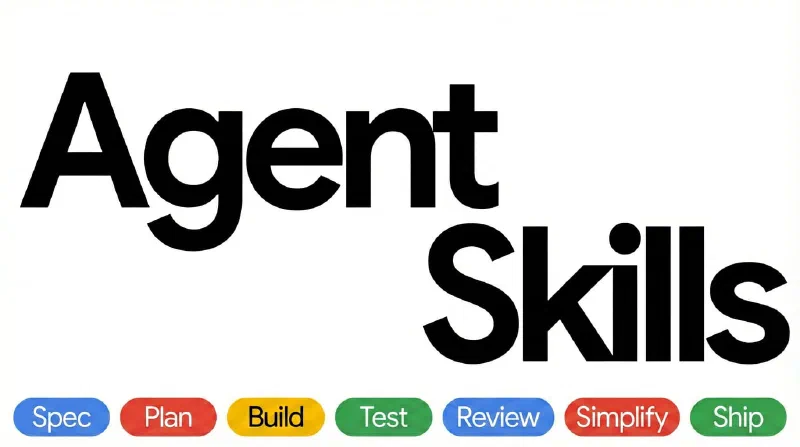
When extending Claude, Skills and Agents are easy to confuse. Their fundamental difference is context: a Skill loads instructions into your current conversation, while an Agent works independently in an isolated context and returns only the result.
All Posts
21 posts
Connecting Claude to MCP does not mean it already understands your project. It must call tools first to obtain context. This article explains six prompting techniques for working efficiently with MCP-enabled Claude: establish context, name tools, narrow scope, chain tool calls, use templates, and describe goals.
When multiple AI agents edit the same repository at the same time, the biggest problem is file interference. Git Worktree gives each agent a physically isolated workspace, while a main agent coordinates merging. This article explains the principles, why it works, and what benefits it brings.
An AI agent adds hands, feet, and a brain around a large language model, allowing it to break down tasks, call tools, execute actions, and deliver results. This guide explains the architecture, ReAct loop, tech stack, development steps, and a minimal Claude SDK agent that can call a tool.
Recall measures whether the system found all the relevant items it should have found. Recall strategy decides which candidates to pull from massive data first. This article explains recall vs. precision, six common recall strategies, multi-channel recall, and recall optimization in RAG.
After setting up the control plane, web UI, and relay, the last daily workflow is onboarding devices: use the Tailscale client with tailscale up --login-server to log into self-hosted Headscale, then approve and manage devices in headscale-ui.
Tailscale / Headscale prefers WireGuard P2P, but NAT traversal often fails and traffic falls back to overseas official DERP relays with 100ms+ latency. This post records how I added a domestic self-hosted DERP relay to Headscale, including source modification, self-signed certificates, and anti-abuse setup.
Headscale is CLI-only by default. Adding nodes, approving devices, creating users, and checking routes all require SSH commands. headscale-ui is a static web frontend that calls the Headscale API and moves these operations into the browser. This post records installation, reverse proxy setup, and login pitfalls.
Access your home NAS remotely, connect back to an office network, or build a private mesh across devices. Tailscale makes this feel like 'log in and you are on the same LAN': automatic networking, NAT traversal, and peer-to-peer WireGuard connections. This prologue explains how it works and how it relates to self-hosted Headscale.